
PowerShell & IT Automation
5 AI PowerShell Prompts That Save SysAdmins 15 Hours a Week
Most IT administrators treat AI like a fancy search engine. But when used as an automated infrastructure assistant, LLMs can instantly handle routine Active Directory audits, M365 license cleanup, and event log diagnostics.
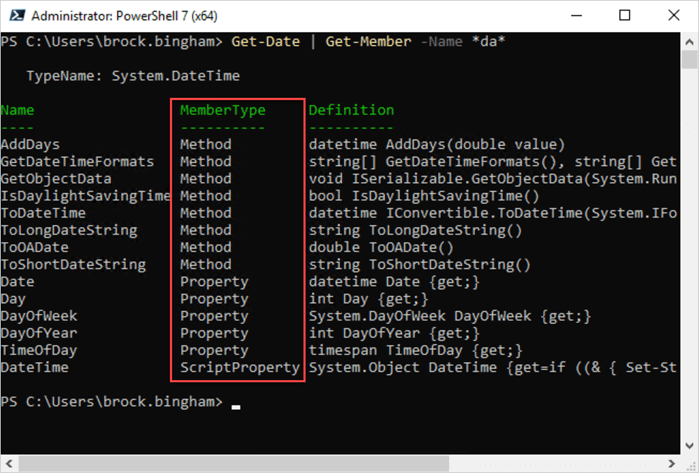
Executing structured PowerShell scripts directly in the terminal
1. Active Directory Inactive User Exporter
Auditing stale user accounts manually takes up unnecessary administrative time. Use this prompt to generate a production-ready script that exports inactive accounts directly to a CSV file:
💬 Prompt to Copy: “Act as a Senior Windows Systems Administrator. Write a clean, modular PowerShell script to export all inactive Active Directory users (>90 days) with their lastLogonDate, SamAccountName, and OU, saved into C:\Reports\InactiveUsers.csv.”
# Generated PowerShell Example Output
$DaysInactive = 90
$Time = (Get-Date).AddDays(-$DaysInactive)

Get-ADUser -Filter {LastLogonDate -lt $Time -and Enabled -eq $true} -Properties LastLogonDate, CanonicalName |
    Select-Name, SamAccountName, LastLogonDate, @{N='OU'; E={$_.CanonicalName}} |
    Export-Csv -Path "C:\Reports\InactiveUsers.csv" -NoTypeInformation
2. Inactive Exchange Online Mailbox Identification
Unused Microsoft 365 licenses contribute directly to redundant cloud spending. Prompt AI to locate accounts that haven’t registered traffic over a specific threshold:
💬 Prompt to Copy: “Create an Exchange Online PowerShell V3 command using Connect-ExchangeOnline to find licensed mailboxes that haven’t had active send/receive events in 60 days.”
Securing enterprise infrastructure with automated scripts and security hardening
3. Event Log XML Analysis
Rather than manually reading through long Event Viewer logs during an outage, paste the raw XML output into an LLM using this prompt layout:
💬 Prompt to Copy: “Analyze this raw Windows Event Viewer log . Identify the root cause, assign a severity rating from 1 to 5, and give the 3 exact PowerShell or GUI steps required to resolve it.”